



SpinAnia Application
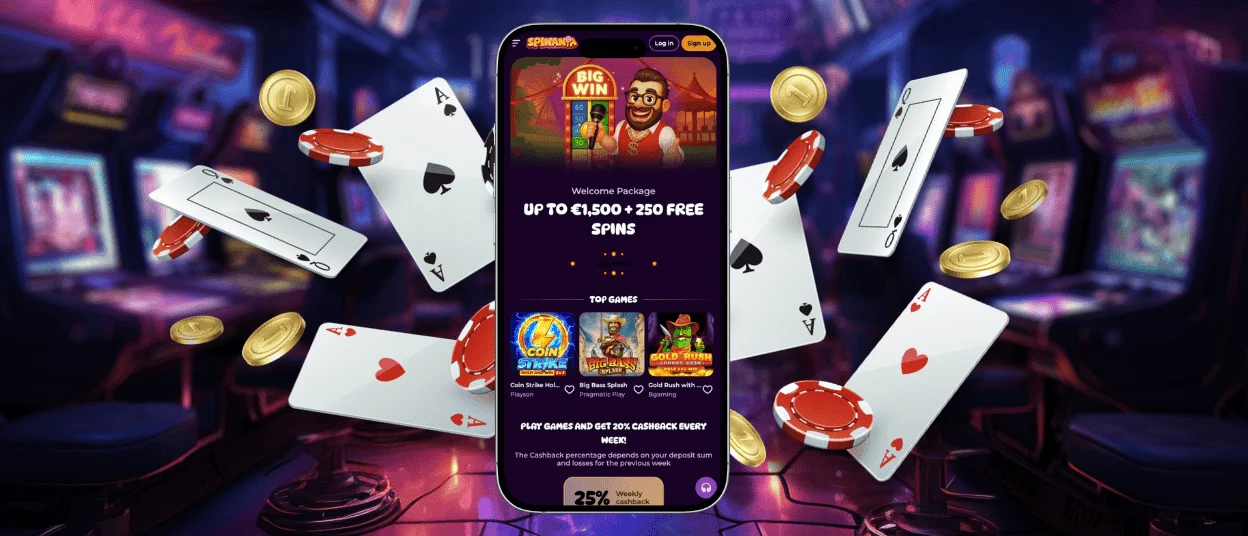
The SpinAnia app lets all our users play their favorite games on smartphones or tablets. It’s a convenient option for anyone who wants to stay online, regardless of location or device. We offer a dedicated app and a browser version. It’s available on all Android and iOS gadgets. If you log in to your account on multiple devices, your achievements and progress will be synchronized across them.

SpinAnia Mobile Casino
SpinAnia Casino brings gaming to a new level. Now, you don’t have to choose one specific device for your favorite games. You can start with your PC and continue on a smartphone. Playing on the go is increasingly popular. About 80% of our players prefer to access SpinAnia on mobile devices.
You can access the mobile casino via the Spin Ania app or in your browser. Both options are great and adapt perfectly to Android and iOS devices. You won’t lose anything from your gaming experience by playing on a smartphone.
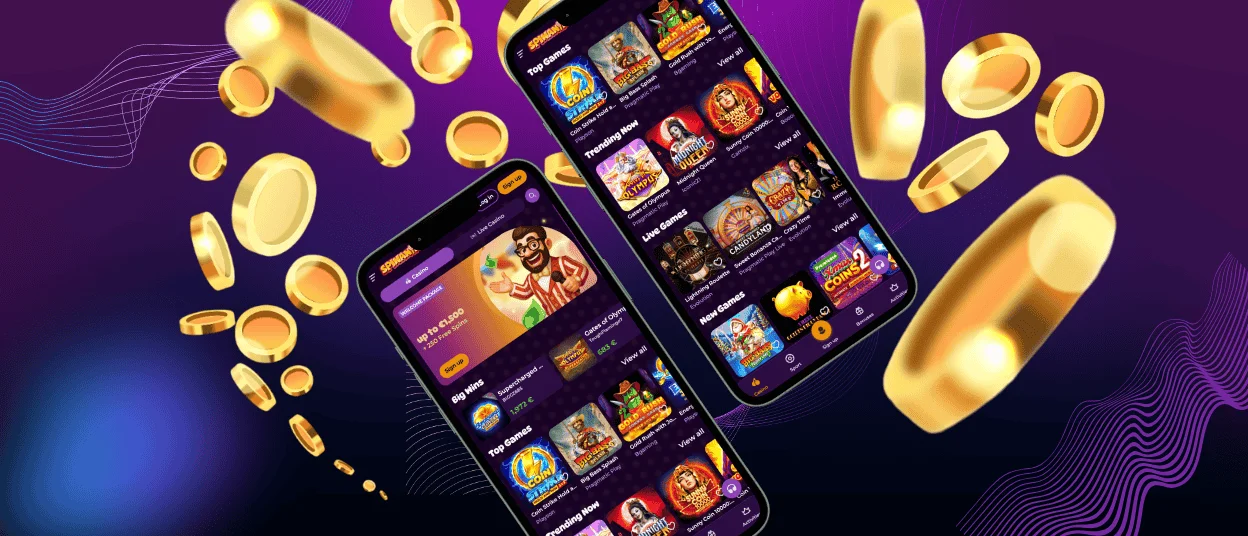
In the mobile software, we offer our clients the whole game collection and all the same available processes, such as registration, login, payments and the verification process. If you encounter any issues with SpinAnia Casino, you can contact us via the live chat built into the application.
SpinAnia App for Android
Android users will be happy to know that they have the opportunity to access our platform on any device they prefer. We invite you to try our online casino in a mobile browser, such as Google Chrome. It has been developed to automatically adapt to mobile screen resolutions.
Another option for Android players is the SpinAnia app. It can be installed from our website. We won’t ask you to download any unknown SpinAnia APK files, as our solution is a progressive web app. It doesn’t use much device storage, only for cached data.
If you decide to try the Spin Ania app on Android, please follow the instructions below. The whole process will take a few minutes but give you many new opportunities.
| Step | Details |
| Go to our website | Visit SpinAnia in your preferred mobile browser. |
| Click “Casino App” | The “Casino App” button is located in the footer of the main page. |
| Click “Install” | On the new page, in the middle of the screen, the “Install” button will appear. |
| Complete the installation | Once the process is done, the online casino icon will appear on your device’s home screen. |
iOS Mobile Application
If you have an iOS smartphone or tablet, you have many ways to play at SpinAnia Casino. We offer a browser version that allows you to install a shortcut icon. Additionally, the SpinAnia app is available for iOS devices. As the App Store has restrictions on gambling, you can’t download it there but it’s available for installation on our website.
The shortcut icon is your chance to access the platform with a single click on your home screen. The Spin Ania Casino mobile browser version offers 6,000+ games, including slots, table games, live casino titles and crash games. Follow our step-by-step guide to install the shortcut icon on your home screen.
| Step | Details |
| Open the website | In any preferred browser, go to the SpinAnia Casino page. |
| Click the “Share” or “More” | Depending on your browser, the button will have a different name. It’s located in the address bar. |
| Select “Add to home screen” | In the list, find the needed option. |
| Personalize the icon | You can update the name and visual part of the icon if needed. |
| Click “Add” | This step confirms the previous actions and creates the shortcut icon. |
SpinAnia Casino Desktop App for Windows/macOS
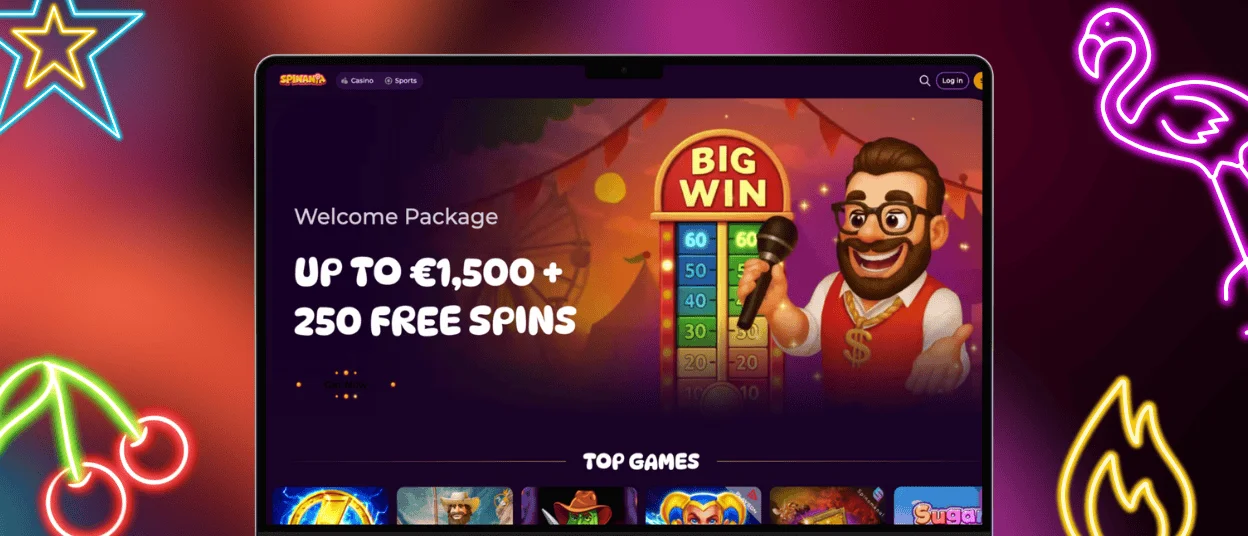
We don’t limit you to using a specific device. Sometimes playing on a PC or laptop with a large screen can immerse you more in the atmosphere of a real casino. It’s not a problem if you start your journey on a smartphone and continue on a desktop. All your SpinAnia Casino details and preferences will be synchronized.
With a stable internet connection, you will enjoy smooth gameplay and fast loading of all necessary features. SpinAnia Casino offers two main options for using it on desktop:
- Browser version. To access our website, you can use any convenient browser, such as Safari or Google Chrome. No downloads or installations are required.
- Shortcut icon. This option gives you faster access to Spin Ania without opening your browser and searching for the website. The shortcut icon won’t use the storage of your device.
FAQ
Where Can I Get Customer Support in the SpinAnia Casino App?
Our mobile software for Android and iOS includes a built-in live chat feature to contact the support team, available 24/7. Alternatively, you can email us for more detailed information.
Do I Need an Account to Use the Spin Ania App?
To access all features and games, you need to create an account in the SpinAnia app. Some titles are available in demo mode, where you will play for virtual coins. In this case, you can’t withdraw your winnings.
Are All Games Available in the App?
Our trusted software providers develop games that are compatible with any modern mobile device. That’s why you will have access to over 6,000 titles from your smartphone, including online slots, table games, live dealer options and crash games.
How Can I Update the SpinAnia Casino App?
The mobile version of Spin Ania Casino, available for installation from our website, is a progressive web application. It will update automatically, with no additional steps required on your part.


